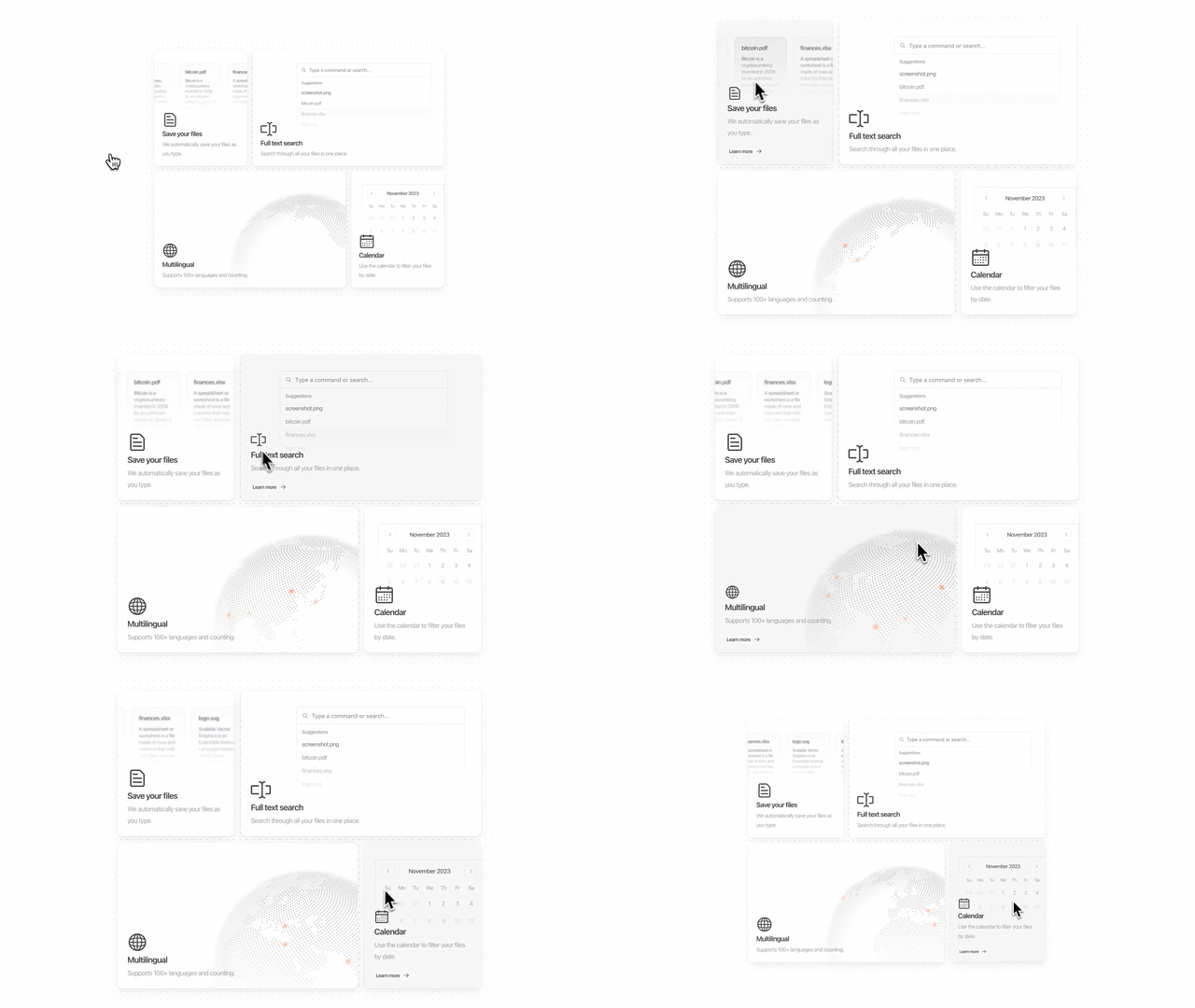
Magic UI
Animated components for landing pages. Spotlight effects, bento grids, scroll reveals.
In plain English
Like adding special effects to a movie. Your movie already works, but now things glow, slide in, and catch people's attention. It turns 'fine' into 'wow'.
Real-world example
You built a landing page for your freelance business. It works but looks plain. You add a spotlight effect that follows the cursor, a bento grid for your services, and a scroll-triggered animation. Now it looks like a $10K agency site.
Where this fits in your project
This is your UI polish layer. Use it to make specific sections of your site feel premium and modern.
When to use this
When your landing page looks boring and you want those modern animated effects — spotlight cursors, bento grids, gradient text, scroll reveals.
The situation
You already have a working page but it needs that 'wow' factor. Or you're building a landing page and want it to look like a top Y Combinator startup.
Good for
- + Landing pages
- + Marketing sites
- + Product launches
- + Portfolio sites
Not ideal for
- - Internal tools
- - Admin dashboards
- - Apps where speed matters more than aesthetics
Getting started
Browse magicui.design, find a component you like, copy the code into your project.